
Genesee County Case Search Categories
MiCOURT sorts its docket search into civil, traffic, criminal, domestic or divorce-family, and probate categories for the court you pick. That sorting helps, but it promises nothing. Some case types stay private. Genesee County courts do not all contribute the same detail. Pick the court first. Then use the category and case number to narrow the result.
Court type matters more than a city name. The 7th Judicial Circuit Court handles civil, criminal, family, and juvenile-related work. The 67th District Court covers traffic, civil infractions, misdemeanors, limited civil cases, and small claims. It also handles felony preliminary proceedings. Probate keeps its own separate records route. Knowing which court owns the case is the safest way to find the right docket.
How to Search Cases by Name
Open MiCOURT Case Search and choose the right Genesee County court when the public flow asks for one. The name panel needs a last name or business name. First name, middle name, and birth year are optional. Before you trust a match, check the court location and the case category. Then check the filing date and the caption. Those details confirm it is truly the same case.
- Choose the court that likely holds the case, such as the 7th Judicial Circuit Court, 67th District Court, or Probate Court.
- Enter the last name or business name, then add first or middle name only when it helps separate similar results.
- Use the visible filter controls to narrow by case type or category where the selected court makes those choices available.
- Open the public case result and read its register of actions, court label, case number, and setting information where shown.
- Contact the court of record for an official copy, a document not displayed, or a clarification about a restricted result.
| Field Label | Type | Required | Genesee County Use |
|---|---|---|---|
| Last Name or Business | Text | Yes, for name search | Begin with the most complete surname or business label available. |
| First Name | Text | No | Use to narrow similar names without assuming an exact match establishes identity. |
| Middle Name | Text | No | Optional additional qualifier in the public name-search panel. |
| Birth Year | Numeric field | No | Optional public search qualifier; do not copy or publish protected personal information. |
| Court and Filters | Selection controls | Varies | Use the correct Genesee County court before reading the result set. |
Note: One name can pull up many people. The court and case number confirm a match far better than a name alone.
Genesee County Case Search Fields
The visible search controls come straight from the official SCAO case-name search report. That report covers court selection, the name panel, the case-number panel, filters, and the Show and Clear controls. Keep public viewing separate from technical documentation, though. The interface is an informational search route. It is not a request for a complete file. It is no license to collect results in bulk.
MiCOURT's developer case-search guide explains how the portal treats names and case numbers. The official page shows why a precise court and case identifier cut down false matches in a Genesee County docket search.
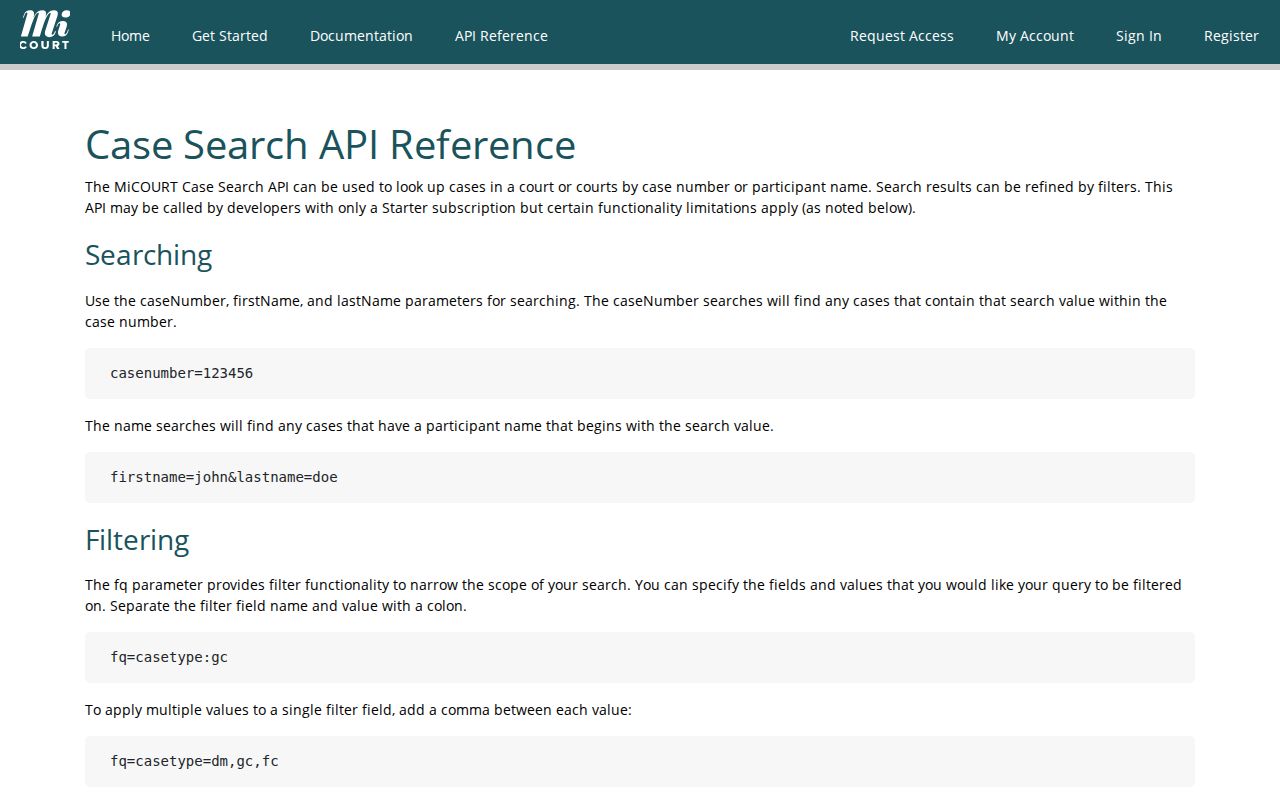
MiCOURT offers civil, traffic, criminal, domestic, and probate categories only as the selected court and public access rules allow. If a search comes up empty, retry with a different spelling, initials, court, or case number. Still, the court of record controls the official record.
Searching by Case Number
A complete case number is usually the clearest start for a Genesee County case lookup. MiCOURT splits its case-number panel into Year, Number, and Type. That field structure is not one universal public Genesee numbering convention. It does not span every court and case category. Enter the segments exactly as they appear on a court notice or docket. Guessing a format rarely works.
As a synthetic illustration only, a circuit civil ROA might be organized as YEAR-CIV-0000. A district criminal or felony-stage ROA might look like YEAR-CR-0000. These schemas are not real cases. No Genesee County court is promised to use the same type code. The issuing court's number is the controlling identifier.
For an eligible district ticket, use the citation or ticket number in the traffic-specific system. When you want case history, use the public MiCOURT record. It often beats a payment screen. A court number also helps here. It can tell a district preliminary proceeding apart from a later 7th Circuit matter.
Genesee County Case Search Misses
A blank result is not a negative certification. MiCOURT warns that display depends on the selected court and category, and its public notice applies a seven-year criminal-sentence filter. Plenty of other things can hide a case too. A spelling variation, initials, a court outside your selected view, a restricted category, a set-aside record, or a record absent from the participating public index will all produce nothing. So dig again before concluding no case exists.
Use the court, not absence alone. A result that is not visible in the public portal does not establish that no Genesee County court record exists.
For a known circuit case, contact the 7th Circuit Legal Records Division. For a district case, call the relevant 67th division or central office before assuming an older division location remains open.
The 7th Circuit Legal Records Division sits in Room 202, 900 S. Saginaw Street, Flint, MI 48502, reachable at 810-257-3220. It serves as the circuit public counter for civil, criminal, and domestic filings. The 67th District Court central address is 630 S. Saginaw Street, Flint, MI 48502, with 810-424-4390 listed in the assignment order. Consolidation closed the Flushing and Mt. Morris satellite facilities. Confirm the active service location before you travel.
What a Case Search Shows
A public case result can lead to a register of actions, or ROA. That is the court's chronological case history. It can show where a case was filed and which events the court has entered. It does not guarantee full online access. Attachments, recordings, exhibits, financial details, and document images may not be public online. Read a status like open, closed, or disposed in context. Use the exact entry and its date.
| Court location | The court or division responsible for the record, such as 7th Circuit or a 67th District division. |
|---|---|
| Case number | The court-assigned identifier used to distinguish the case from similar party-name matches. |
| Case type and status | The visible category and public status label, which do not themselves decide the merits. |
| Parties and roles | Caption or role fields such as plaintiff, defendant, petitioner, or respondent when publicly displayed. |
| ROA events | Dates and entries for filings, orders, scheduled settings, or dispositions where the public record shows them. |
| Document indicator | A public/nonpublic or link indicator when available. It does not promise that every filed item is online. |
Michigan court rules protect personal identifiers. They can limit public access to whole cases or particular documents. Do not use a public case index to reproduce birth dates, license numbers, financial account information, or other protected details.
Genesee County Case ROA Documents
An online register of actions answers one question. It shows what happened, not what you can take home. A public ROA can list an event history, a setting, a public charge or count, and a disposition label. A document indicator may appear too. That is usually enough for reading a docket. But a clerk's copy process applies at times. It kicks in when the public record has no attached document. It also applies when certification is required or the item is off-site. Recordings, transcripts, and full paper files go through the clerk as well.
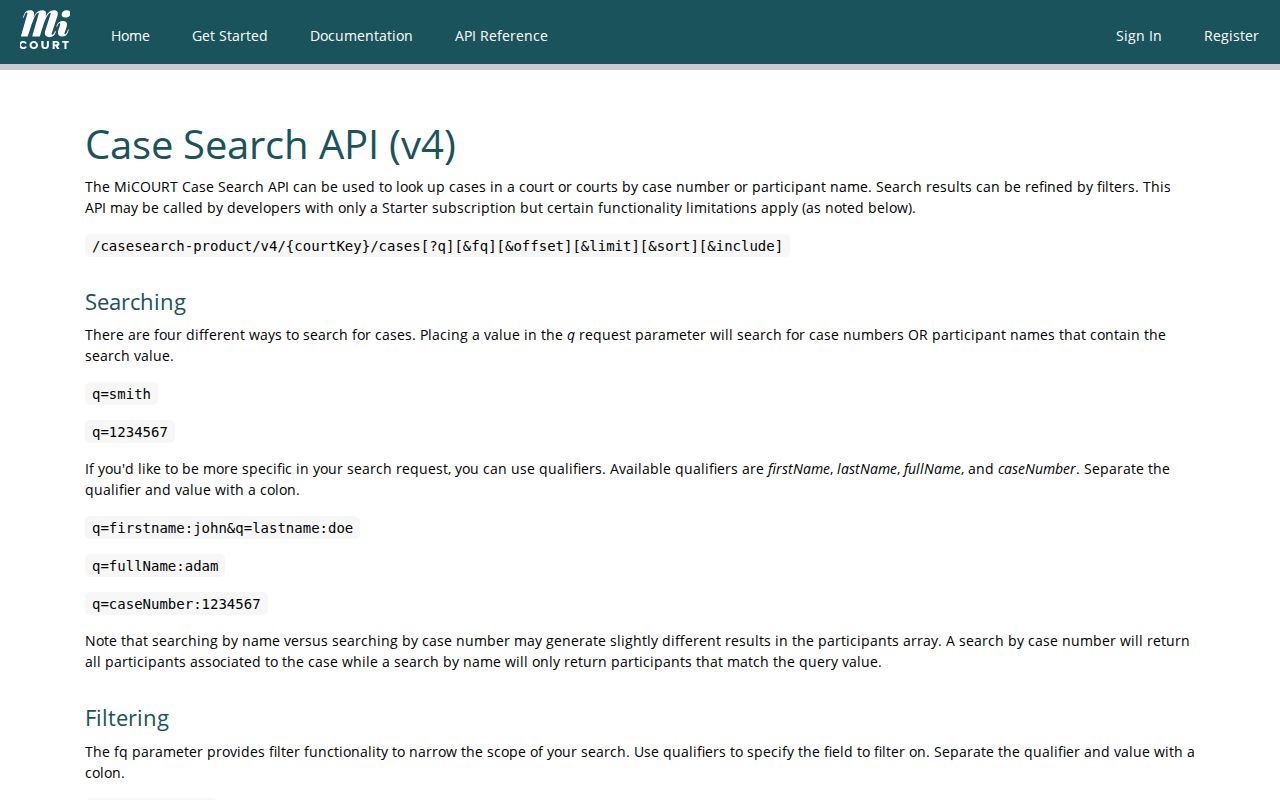
The MiCOURT case-search API reference lays out the qualifiers, categories, sorting, pagination, and optional case expansions behind the system. Note the limits, though. Those technical options create no public bulk-download right, and the portal prohibits bulk downloads and scraping.
Start with the right office. Circuit records go through Legal Records, which can tell you whether an item is public, on-site, and available for inspection, copying, or certification. District cases work differently. The district records request form covers review or copies for 67th District records. Michigan's MCR 8.119 supplies the governing rules on access, inspection, reproduction, and privacy protections.
That district form travels three ways. Mail it to Records Department, 630 S. Saginaw Street, Flint, MI 48502. Email works too, at 67THHELP@GENESEECOUNTYMI.GOV. Fax goes to 810-768-7912. The form distinguishes review, copies, a complete file, and a specific record. Call the court before an in-person visit, because consolidation affected older district service locations.
County vs Statewide Case Search
Michigan runs no separate Genesee County docket portal for every court type. MiCOURT Case Search is the statewide layer for participating courts instead. You make it county-specific by choosing the court. That selection is the whole trick. For records that need a clerk rather than an index search, three local doors exist: the 7th Circuit's Legal Records Division, the 67th District Court Records Department, and Probate Court.
| Route | Best use | Important limit |
|---|---|---|
| MiCOURT Case Search | Find a public participating case by name or case number and view public ROA details. | Informational public index; court of record controls and restricted categories may be absent. |
| MiCOURT Court Display | Check a date-oriented hearing listing after identifying the court or judge schedule. | Calendar snapshot, not a full file or proof a hearing occurred. |
| 7th Circuit Legal Records | Request circuit civil, criminal, or domestic records, copies, certification, or material not online. | Ask about current fees, availability, and restrictions. |
| 67th District Records | Request district records, review, copies, or a specific record through its form. | Former satellite information may be stale after consolidation. |
For a planned hearing, turn to the 7th Circuit schedule or the Genesee County Court Dates calendar channels once the case is in hand. These are calendar routes. The clerk's document and certification route is separate.
Genesee County Case MiFILE Limits
MiFILE is the Michigan Judiciary's e-filing sign-in environment. It is not the public MiCOURT docket, and the two get confused often. One is for filing. The other is for public case lookup. An e-filing receipt does not mean a filing has become a public ROA entry, and a public ROA does not confirm that every document image is downloadable.
Before assuming a Genesee County court or case type accepts e-filing, check the SCAO MiFILE court list. That directory, updated March 17, 2026, is the current reference for court-specific availability. Coverage varies by court and case type.
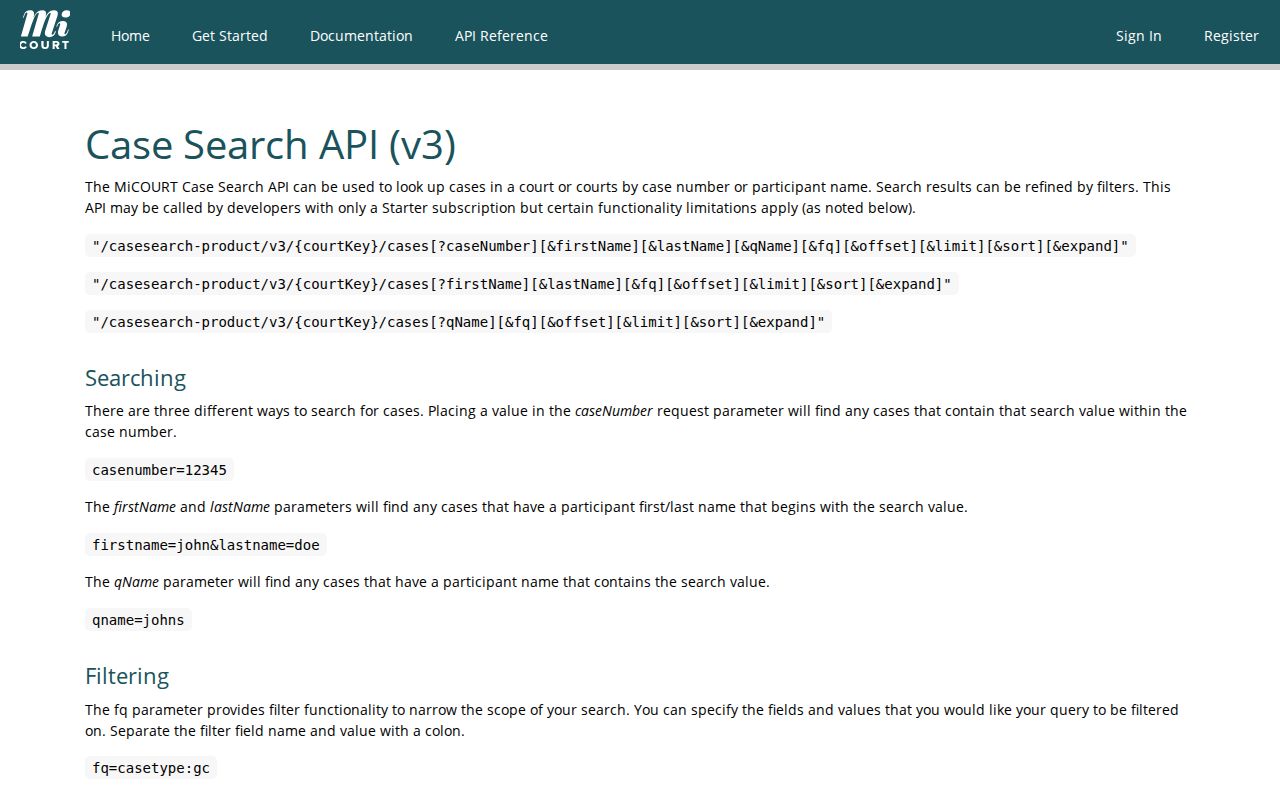
The MiCOURT version 3 reference documents how the search system's results behave. Read it alongside the court list. It reinforces the line between case-search data and a filing workflow.
A missing filing is not a search failure. Contact the court that maintains the record directly, and don't treat MiFILE as a substitute for public case search.
Restricted Cases and Access Rules
Not every case shows up. MiCOURT's public notice lists categories that can be excluded or limited. Adoption, juvenile and child-protective proceedings, juvenile guardianships, mental illness, name changes, and personal protection orders all qualify. So do surrendered-newborn matters, infectious-disease treatment, extreme-risk protection orders, young-adult voluntary foster care, and wills. A missing result may simply reflect an access rule. A Genesee County case can still sit behind it.
Michigan court rules guard personal information. Juvenile files carry special limits under MCR 3.925. Set-aside convictions can be redacted. Anyone with a legally authorized need should go through the court clerk and the proper request process. Michigan FOIA, MCL 15.231 et seq., can reach county administrative records, but judicial case files follow court rules and court record procedures instead.
Note: A public ROA does not authorize reproduction of protected personal information, and it never replaces a court order where access is restricted.